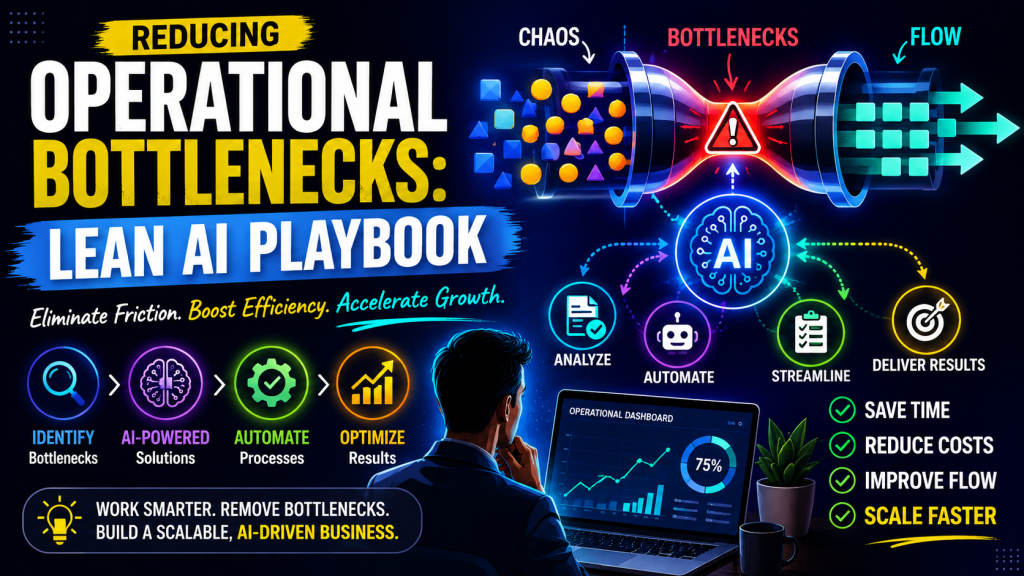
Productivity
Productivity Systems for Founders
Integrate AI workflows into your productivity system to reclaim time for strategic decisions. A practical playbook for founders with actionable steps and real tradeoffs.
Quick Take
Built for founders, operators, and lean teams who want practical guidance instead of vague advice.
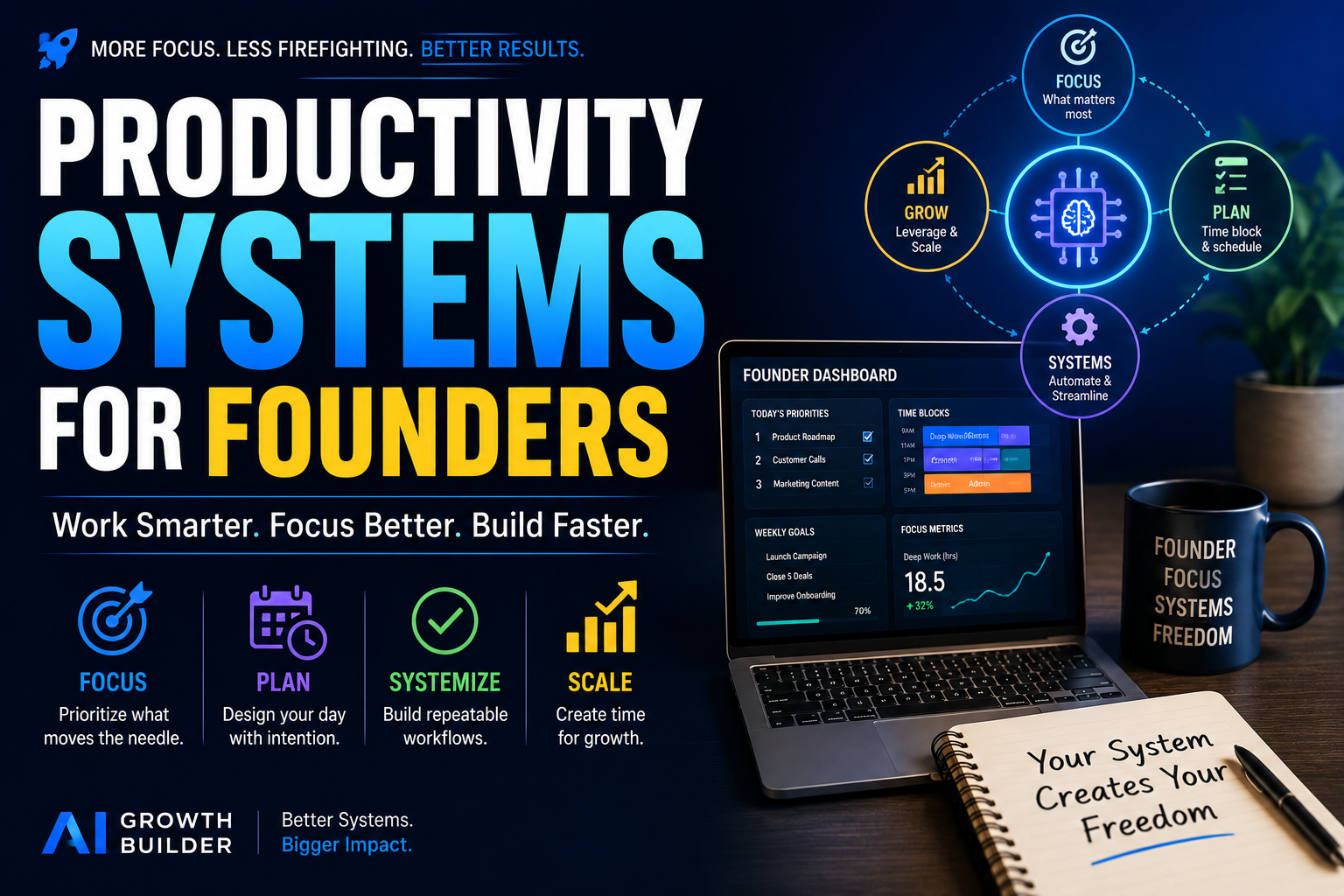
Every founder knows the feeling: endless to-do lists, constant interruptions, and a nagging sense that the most important work keeps getting pushed to tomorrow. Building repeatable productivity systems founders can rely on is the only way out—and integrating AI into those systems is the edge that makes them stick. This playbook shows you how.
Context – Why Founders Need a New Productivity System
The real cost of context switching and decision fatigue
Every time a founder jumps from a strategic conversation to a support ticket to a hiring decision, the brain pays a switching tax. Research on task-switching shows that even brief interruptions can cost up to 20 minutes of focused recovery time. For a founder juggling dozens of micro-decisions each day, that tax compounds into hours of lost cognitive capacity. The result is not just a full calendar but a hollow one — packed with activity but drained of real progress. The problem is not that founders lack discipline or ambition. It is that the volume of low-judgment tasks has outpaced the human ability to process them without fatigue.
How AI shifts the bottleneck from execution to strategic judgment
In a traditional productivity model, the bottleneck is the founder’s time and attention. Every email drafted, meeting summarized, or document reviewed consumes a slice of that scarce resource. AI changes the equation by absorbing execution-level work — drafting, summarizing, categorizing, and extracting — at machine speed. This shifts the bottleneck upward. The limiting factor becomes the quality of the founder’s judgment, not the speed of their typing. That is a tradeoff worth making. But it requires a system that deliberately routes the right work to the right agent, human or machine, based on judgment intensity rather than urgency alone.
Why traditional time-management hacks fall short for operators
Time-blocking, the Pomodoro Technique, and priority matrices work well when the workload is predictable and the founder controls all inputs. In practice, a founder’s day is shaped by external events: investor calls, customer escalations, team questions. Traditional hacks treat these disruptions as failures of discipline rather than structural realities. A productivity system built for founders must absorb unpredictability, not fight it. It needs to capture everything, triage automatically, and present only the decisions that genuinely require human judgment. That is what AI-enabled workflows can do, and that is what this playbook will show you how to build.
Strategy – The AI-Augmented Productivity Stack
Core principle: automate low-judgment tasks, amplify high-judgment ones
The fundamental rule of an AI-augmented system is simple: if a task requires pattern recognition, summarization, or formatting but does not require nuanced context about your business, relationships, or values, offload it. If a task involves understanding a unique customer situation, weighing tradeoffs, or making a call that affects trust or strategic direction, keep it and use AI to prepare the ground. For example, turning a raw transcript into a clean meeting summary is low-judgment. Deciding whether to adjust the product roadmap based on that meeting is high-judgment. The system should handle the first and surface the second with clarity.
Three system layers: Intake, Processing, Execution
Every productivity system, with or without AI, needs three layers. Intake is the capture point for all incoming signals — emails, messages, ideas, tasks, customer feedback. Without AI, this layer often becomes a bottleneck because everything lands in the same inbox. Processing is where raw inputs get filtered, prioritized, and assigned. This is where AI can do heavy lifting: tagging items by topic, surfacing deadlines, and grouping related signals. Execution is the focused work period where you act on what has been processed. The goal of the first two layers is to protect the third. A founder with a solid processing layer can enter execution mode without wondering if they missed something important.
The tradeoff: speed vs. accuracy — when to trust AI and when to override
AI workflows introduce a real tension. A system that drafts responses automatically may make mistakes — misreading tone, omitting a critical detail, or hallucinating a fact. The faster you let it run, the more errors slip through. The safer approach is to use AI for first drafts and summaries but always review before sending or acting. This adds a check step but still saves significant time. The rule of thumb: let AI handle formatting and extraction without review (meeting notes, task lists), but require a human pass for anything that goes to a customer, investor, or team member in a sensitive context. Over time, you learn which automation flows you trust and which need guardrails. Start tight and loosen gradually.
Workflow – A Day in the Life with AI
Morning: AI-powered prioritization
A typical founder starts the day with an overflowing inbox and a sense of urgency about everything. Instead of scanning each message, the system auto-summarizes overnight communications into a single briefing with three sections: items requiring a decision, items needing a read-only review, and items that can be archived. The AI also surfaces the top-impact task for the morning based on deadlines, project stage, and the founder’s stated priorities. The 7:30 AM scramble becomes a 15-minute directed review. One founder using this flow reported reclaiming 90 minutes per week just from not re-reading routine status updates.
Midday: AI-assisted deep work
The midday block is reserved for work that requires full attention: drafting a proposal, analyzing competitive research, or preparing for an investor meeting. Before diving in, the founder triggers an AI workflow that pulls relevant documents, past meeting notes, and key data points into a single workspace. For a proposal, the AI generates a first draft based on the brief and past proposals, saving 40 to 60 minutes of formatting and structuring. The founder then edits, refines, and adds strategic context. The AI also generates a prep sheet for the next meeting: attendees, past decisions, and suggested talking points. The result is that the founder spends the block thinking, not hunting for information.
Evening: AI-driven reflection and next-day planning
At the end of the day, the system auto-generates a learning log: what was accomplished, what was deferred, and any patterns that emerged from the day’s decisions. The founder reviews it in five minutes and adds one or two notes. The AI then builds a draft task list for the next day, pulling from deferred items and any new inputs that arrived late. This process replaces the common evening ritual of trying to remember everything you need to do tomorrow. It also builds a record of decisions over time, which becomes useful for quarterly reviews and spotting recurring friction points.
Implementation Steps – How to Build Your System
Step 1: Audit your current bottlenecks
For three consecutive working days, keep a simple log of every moment you feel overwhelmed, interrupted, or stuck. Note the trigger: an email that required a five-minute response but derailed your flow, a meeting that could have been a summary, a decision you postponed because you lacked context. At the end of each day, tally the time lost to each type of interruption. Most founders discover that 60 to 70 percent of their switching cost comes from just two or three recurring patterns. Those are your first automation targets.
Step 2: Choose tools that integrate seamlessly
The best productivity system is the one you actually use. Resist the urge to adopt a completely new stack. Instead, layer AI capabilities onto tools you already rely on. If you live in Notion, use Notion AI for drafting and summarization. If you use Google Workspace, set up AI-powered filters and drafts. For workflow automation, a tool like Zapier or Make can connect your email, calendar, project management, and note-taking apps. The principle is to reduce friction between tools, not add new ones. Every new tool you introduce must save more time than it costs to maintain.
Step 3: Define trigger events and automation flows
Map each bottleneck you identified in Step 1 to a specific trigger and response. For example: “When I receive a support email that matches a known category, auto-generate a draft response and attach relevant documentation.” Or: “When a meeting ends, auto-generate a summary and push action items to my task manager.” Write these flows as simple if-then statements. Start with no more than three flows. Over-automating too early creates a system that collapses when something breaks. Build one flow, test it for a week, then add the next.
Step 4: Test, measure, iterate
Run your new system for two weeks with clear metrics. Track hours saved per week on the tasks you automated. Also track any errors or moments when the AI produced an unusable output. Adjust the flows based on what you learn. A flow that saves two hours but causes one mistake that costs 30 minutes to fix is still net positive, but you may need to add a review step. Share the results with your team if you have one — transparency about what is automated and why builds trust and prevents confusion.
Common Mistakes to Avoid
Over-automating strategic thinking
The most dangerous mistake is treating AI as a replacement for founder intuition. AI can surface patterns and suggest options, but it cannot understand your company’s unique context, relationships, or values. If you automate decisions that require judgment — like which customer feedback to prioritize or which hire to advance — you risk optimizing for efficiency at the expense of quality. Use AI to prepare the information, but always make the call yourself. Keep a “human override” habit for any output that influences a significant outcome.
Ignoring data privacy and security
When you feed customer emails, financial projections, or internal strategy documents into cloud-based AI services, you are trusting those platforms with sensitive data. Not all AI tools have the same privacy guarantees. Before routing any workflow through an external API, check the vendor’s data handling policy. Look for options that allow on-device processing or that commit to not using your data for model training. For particularly sensitive workflows, consider using a self-hosted model or a tool with enterprise-level data controls. This is not a theoretical concern — several startups have inadvertently exposed customer data by connecting the wrong tools.
Building a system that requires constant maintenance
A productivity system should be a durable tool, not a hobby project. If you spend more time tweaking flows and updating automations than you save, you have defeated the purpose. Limit yourself to one new workflow per week. Document each flow in a simple format so you or a team member can troubleshoot it without reverse-engineering. If a workflow breaks and takes longer to fix than it saves, retire it. The goal is a system that runs in the background, not one that demands your attention to keep running.
Measurable Next Actions
This week: One low-judgment task, one AI workflow
Choose a single recurring task that requires no strategic thinking — meeting notes summarization, email categorization, or draft generation for a standard request. Set up one automation flow for that task. Run it for five consecutive days. By the end of the week, you should have a clear sense of how much time it saves and whether the output quality meets your standards. If it works, keep it. If not, adjust or abandon it.
This month: Run a five-day time audit
Track your time in 30-minute increments for five working days. Identify the activities that consume the most time but contribute the least to strategic outcomes. Set a target of reclaiming at least five hours per week through automation. That is a realistic, measurable goal that translates directly into more time for high-impact decisions. If you hit it, scale your system. If you fall short, revisit your trigger flows and see where you can tighten them.
This quarter: Review and refine your AI stack
After three months, audit every automation flow you have in place. Which ones are still saving time? Which ones have become noise? Which ones introduced new friction? Retire anything that adds more overhead than it removes. A good productivity system evolves as your business changes. What worked when you had two customers may be overkill at fifty. Keep what serves you, discard what does not, and always prioritize the quality of your judgment over the quantity of your output. For more detail on building a recurring review rhythm, see our guide on AI‑powered weekly reviews.