AI Workflows
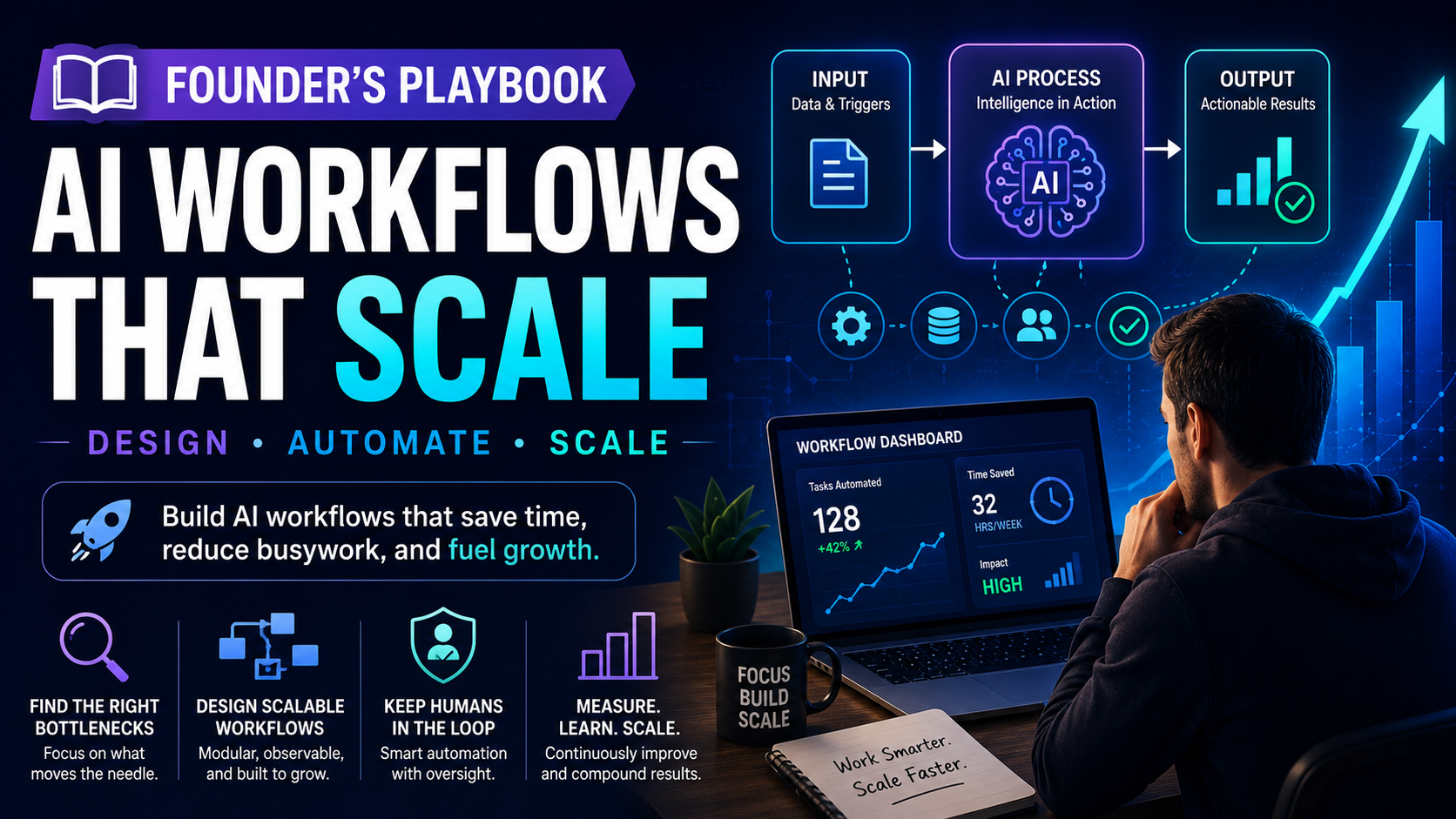
Founder’s Playbook: AI Workflows That Scale
Founders: Get a step-by-step framework to design AI workflows that scale, automate busywork, and free up time. No hype—just practical steps.
Quick Take
Built for founders, operators, and lean teams who want practical guidance instead of vague advice.
Why Most AI Workflows Stall (and How to Avoid It)
Every founder has experienced the same pattern: you spend a weekend setting up a new AI tool, test it on a few tasks, feel a flash of optimism, and then two weeks later it sits unused or produces unreliable results. The problem is rarely the technology. It is almost always the absence of a repeatable method for designing, testing, and scaling the workflow itself.
Most small teams treat AI automation as a one-off experiment rather than an operational discipline. They pick a tool first, then look for a problem. Or they automate a single task in isolation, only to discover that the output depends on messy data or manual handoffs that break as soon as volume increases. The result is a graveyard of half-finished automations and a lingering suspicion that AI does not work for their business.
This playbook gives you a different approach. It is a step-by-step framework designed for founders and operators who need AI workflows that survive contact with real customers, real data, and real growth. You will learn how to identify the right tasks to automate, design workflows that remain modular as you scale, choose tools without over-engineering, and deploy in under a week. No hype. Just a practical system that works across B2B, B2C, services, and e-commerce businesses.
The busywork trap vs. strategic automation
The easiest automation targets are also the most deceptive. Replying to customer emails, generating social media posts, and summarizing meeting notes all feel productive. They are visible, satisfying, and easy to implement with off-the-shelf tools. But these tasks rarely sit at the core of your business value. Automating them saves a few hours, but it does not change how your team operates or how your product reaches customers.
Strategic automation targets the workflows that consume disproportionate time relative to their business impact. Lead qualification, for example, is repetitive and rule-based, but it directly affects revenue. Content repurposing from a single long-form piece into multiple formats saves hours each week if done reliably. Customer support triage — routing inquiries to the right person or providing instant answers for common issues — reduces response time without adding headcount. The difference is not the tool. It is the decision to focus on workflows that compound, not just tasks that save five minutes.
Three hallmarks of a workflow that scales
Before you design anything, understand the characteristics that separate scalable workflows from fragile ones. A workflow that scales is modular: you can add or remove a step without breaking the entire system. If your lead qualification pipeline relies on a single AI prompt that does everything — filtering, scoring, routing, and drafting a reply — changing one part means rebuilding the whole thing. A modular version separates these steps so you can improve filtering without touching the reply generator.
A scalable workflow is also observable. You can inspect what happened at each step, why a particular decision was made, and where errors entered the system. If you cannot trace an output back to its input and the rules applied along the way, you cannot debug it, and you certainly cannot scale it.
Finally, a scalable workflow includes explicit fallbacks. When the AI encounters something it cannot handle — an ambiguous customer request, a missing data field, a request that exceeds your risk tolerance — the system routes to a human or pauses for review. Workflows that attempt to handle every edge case autonomously fail quietly and often expensively.
Step 1 – Map Your Bottlenecks, Not Your Tools
The most common mistake founders make is choosing a tool before they understand the problem. You end up with a solution in search of a workflow, and the result is rarely good. Instead, start by mapping where your team actually loses time.
A simple audit process for founders
Block 30 minutes this week. Sit down with your operations lead or, if you run a very small team, just yourself. List every recurring task your team performs on a weekly or daily basis. Group them into categories: customer-facing, internal operations, marketing, sales, product. For each task, estimate the time spent per week and the level of judgment required to complete it. Rate both on a simple 1 to 5 scale.
Now look for the intersection of high time cost and low judgment. These are your prime automation candidates. A task that takes ten hours per week and requires mostly yes/no decisions or rule-based processing is a stronger candidate than a task that takes two hours but requires nuanced understanding of customer context. The former will free up real capacity. The latter may still be worth automating later, but not first.
Prioritizing tasks that are repetitive, rule-based, and high-frequency
Within your list, prioritize tasks that meet all three criteria: repetitive, rule-based, and high-frequency. Repetitive means the same structure appears each time. Rule-based means you can define clear decision criteria: if X happens, do Y. High-frequency means the task occurs at least daily, or multiple times per week.
A concrete example: a five-person SaaS team spent roughly eight hours per week qualifying inbound leads. The process involved checking form responses against a list of criteria — company size, industry, budget range — and then sending a templated email to schedule a call. Every step was rule-based. The team had the criteria documented. The task was repetitive and high-volume. Automating it reduced the weekly time to under one hour, freed the sales person to focus on conversations, and improved response time from 24 hours to under five minutes. That is the kind of outcome you want to replicate.
Step 2 – Design a Workflow That Can Survive Growth
Once you have identified your first candidate, resist the urge to build immediately. Sketch the workflow first. A good workflow design takes longer to plan but pays for itself in reduced rework and fewer surprises later.
The input-process-output blueprint
Structure every workflow in three layers: input, process, output. Define exactly what data enters the system, in what format, and from which source. For lead qualification, the input might be a web form submission with company name, email, and budget range. Define the required fields and what happens if any are missing. Do not assume clean data.
The process layer is a sequence of decisions and transformations. In the lead example, the process might include: validate the email, check company size against a threshold, score the lead as hot/warm/cold, assign a sales rep, and generate a personalized but templated outreach email. Each step should be separate so you can modify or replace it independently.
The output layer defines exactly what is produced and where it goes. A lead record in your CRM, a notification in Slack for hot leads, and a scheduled calendar invitation for the discovery call. Specify the destination and format for each output.
Building fallbacks and human-in-the-loop checkpoints
No AI workflow is perfect, and pretending otherwise is dangerous. For every decision point in your process layer, define what happens when the AI cannot confidently classify or generate. Three common patterns work well: route to a human with all the context collected so far, default to a safe conservative action, or flag the item for review and continue processing the rest of the batch.
Which pattern you choose depends on the cost of a mistake. Sending a wrong lead to a sales rep wastes time but is recoverable. Sending an incorrect billing notice to a customer erodes trust. For high-cost decisions, always include a human checkpoint. For low-cost decisions, allow the system to proceed but log everything for review.
Step 3 – Pick Your Stack (Without Over-engineering)
Small teams have three viable paths for building AI workflows. Each has clear tradeoffs, and none is universally right.
Common tool patterns for small teams
The first path is a no-code connector platform like Zapier or Make combined with an AI step from a provider that offers a simple API or built-in action. This works for workflows that involve moving data between SaaS tools and applying light AI processing — summarizing emails, classifying support tickets, generating draft replies. The advantage is speed. You can prototype in an hour. The disadvantage is limited control over the AI behavior and cost scaling if you process high volumes.
The second path is calling an LLM API directly from your existing tech stack using a simple integration layer. This gives you more control over prompts, response formats, and fallback logic. It works well for workflows that need consistent output structure, such as parsing form data or generating structured lead profiles. The tradeoff is that you need someone on the team who can code a little, or at least copy and modify a basic script. Maintenance overhead is moderate.
The third path is building a custom agent using a framework or a dedicated tool for orchestration. This path makes sense when your workflow has multiple conditional branches, requires persistent memory across sessions, or needs to interact with several external systems in a coordinated sequence. The flexibility is high, but so is the initial setup cost and ongoing maintenance.
Tradeoff: speed vs. flexibility vs. cost
For a first workflow, start with the simplest option that meets your requirements. Speed of deployment matters more than perfect optimization at this stage. You can always rebuild with more flexibility later once you understand the real failure modes. A common mistake is choosing a custom agent path for a workflow that could have been handled with a no‑code connector and a well-written prompt. The reverse is also true: forcing a complex multi-step process into a single no‑code step usually leads to brittle, hard‑to‑debug failures. Match the tool complexity to the workflow complexity, not to your curiosity about new technology.
Step 4 – Implement in 7 Days or Less
The goal is not perfection. It is a working prototype that you can test with real data, observe, and improve. A phased rollout prevents you from committing to a flawed design at scale.
A phased rollout: prototype → test with real data → limited launch → full rollout
Phase one is the prototype. Build the simplest version that performs the core transformation. Use a single test input. Verify the output looks right. This should take one day, not one week. Phase two is testing with real data, but not real customers. Feed the prototype a batch of historical records. Compare the AI outputs with what your team actually did at the time. Measure accuracy, completeness, and any surprising failures. Fix obvious issues.
Phase three is a limited launch with a small subset of real traffic. For a lead qualification workflow, for example, route only 10 percent of new leads through the automated pipeline while the team continues processing the rest manually. Compare outcomes for a few days. Phase four is the full rollout, but only after you have confidence from the limited test. Keep monitoring for at least two weeks before declaring success.
Measuring success before scaling
Define success criteria before you start. Do not decide what good looks like after you have results. For a customer support triage workflow, success might be: 90 percent of inquiries are correctly categorized and routed, and average first response time drops from four hours to under 15 minutes. For a content repurposing workflow, success might be: five social posts generated from one long-form article with accuracy of 95 percent in tone and factual content. Measure these metrics during the limited launch. If the workflow meets them, scale. If not, iterate. Do not scale a failing workflow.
The 5 Mistakes Founders Make When Scaling AI Workflows
Even with a solid framework, certain mistakes recur across teams. Recognizing them early saves time and frustration.
Mistake 1: Automating the wrong thing
Automating a task no one cares about yields zero return. A workflow that saves five minutes but does not affect revenue, customer satisfaction, or team morale is a distraction. Validate the bottleneck before building. Ask your team what frustrates them most. Their answer is usually the right starting point.
Mistake 2: Ignoring data quality
AI workflows are brutally honest about bad data. If your CRM has inconsistent fields, missing values, or duplicate records, your automated outputs will amplify those problems. Clean the data that feeds your workflow before you invest in automation. A day spent cleaning a spreadsheet often saves a week of debugging.
Mistake 3: No human oversight on critical decisions
The workflows that cause the most damage are the ones that operate autonomously on high-stakes decisions without a human in the loop. Pricing, customer communications about sensitive topics, and anything with legal or compliance implications should always include a checkpoint. Automate the preparation and routing, but let a human approve the final action.
Mistake 4: Choosing a black-box solution
If you cannot explain why a workflow made a particular decision, you cannot fix it when it goes wrong. Prioritize tools and approaches that provide visibility into the logic, even if it means slightly more setup effort. A transparent but imperfect workflow improves faster than a perfect but opaque one.
Mistake 5: Moving too fast without documentation
When you are the only person who understands how the workflow works, you become a bottleneck. Document the design, the prompts, the fallback rules, and the expected outputs at a level that someone else on your team could pick up and run. This is not busywork. It is the foundation for scaling the workflow beyond your personal involvement.
Your Next 3 Actions (Measurable and Immediate)
This week, take three concrete steps that move you from reading to building. Each action is designed to take less than two hours and produce something you can use or evaluate immediately.
Action 1 – Run a 30-minute bottleneck audit this week
Block 30 minutes on your calendar. List your team’s recurring tasks. Estimate time and judgment level. Identify the top three candidates for automation based on the intersection of high time cost and low judgment. Write them down. This is your shortlist.
Action 2 – Define one “scalable” workflow in a decision tree format
Pick the top candidate from your shortlist. Sketch the workflow as a decision tree or a simple diagram with three columns: input, process, output. Define the data format, the decision criteria at each node, the fallback for uncertain cases, and the destination for each output. This is your design document. It does not need to be polished. It needs to be complete enough that someone else could follow it.
Action 3 – Deploy a prototype with a single tool and set a 2-week review date
Using the simplest tool that matches your workflow complexity, build a prototype that performs the core transformation. Test it with three real inputs. Fix any obvious issues. Then set a calendar reminder for two weeks from now to review whether the prototype produces reliable results. If yes, plan the limited launch. If no, adjust the design or re-evaluate whether this workflow is the right one to automate.
The difference between a founder who successfully scales AI workflows and one who collects unused automations is not technical skill. It is the discipline to audit before building, to design before coding, and to test before scaling. Follow this framework, and you will build automation that actually survives contact with your business.
Keep Reading
Related stories from the same editorial lane
AI Workflows
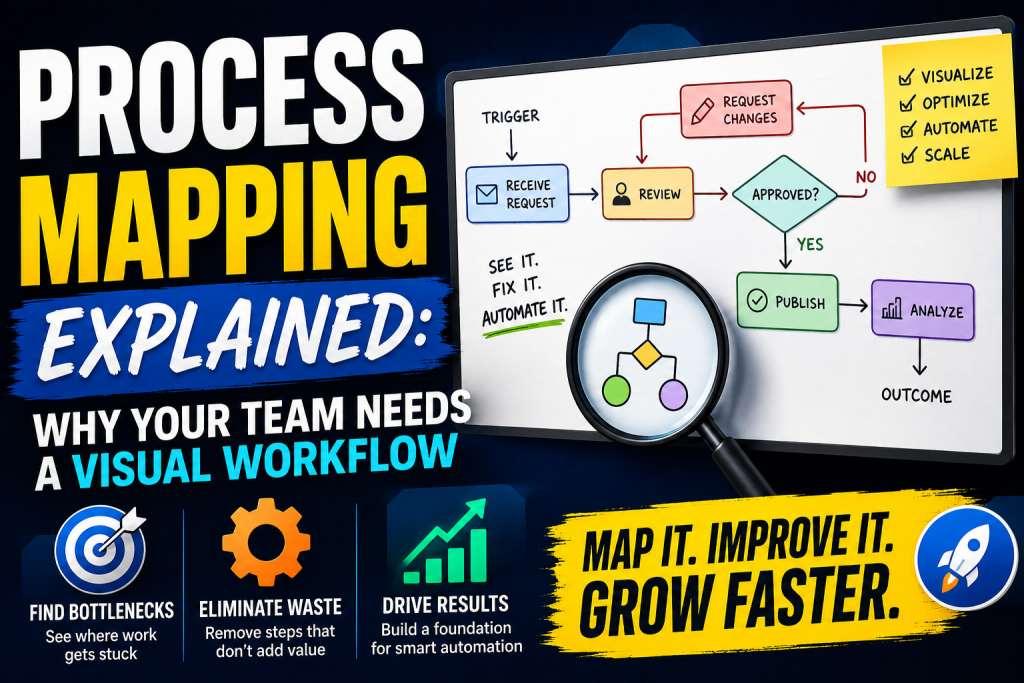
Process Mapping Explained
process mapping explained. This playbook provides a clear, practical framework for mapping your marketing processes, enabling you to identify automation...
AI Workflows
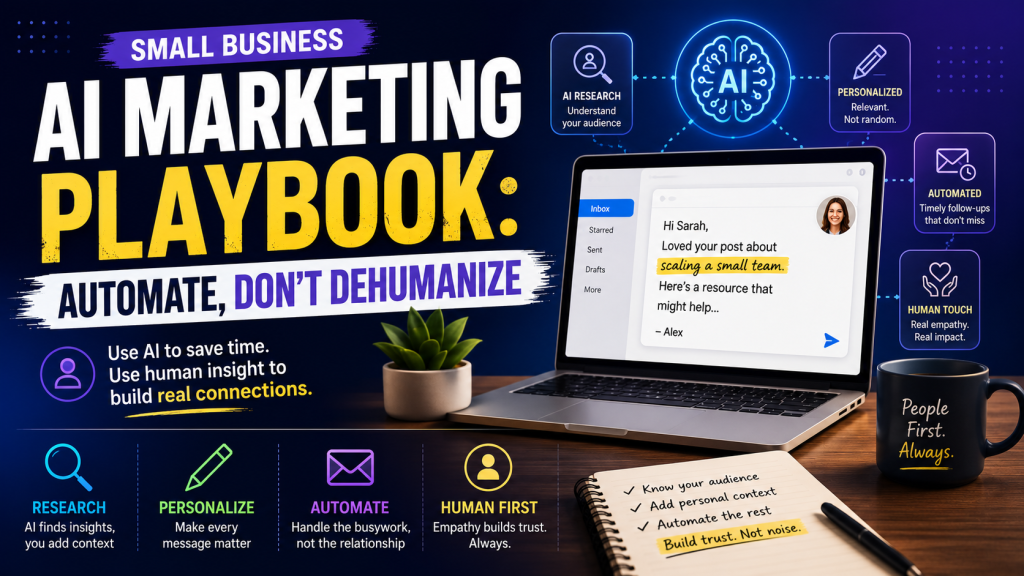
Small Business AI Marketing Playbook: Automate, Don’t Dehumanize
Learn how to build an AI marketing system for your small business that saves time and keeps your outreach personal. A practical 5-step playbook with real examples and mistakes to avoid.